Showing posts with label review. Show all posts

Monday, May 23, 2011

Spring 2011 Anime Impressions

Good day blog reader, in this blog post I will be briefly discussing my impressions on the anime airing this season that I have watched so far. If you agree or disagree with what I think then feel free to leave a comment in the comments section of this post explaining what you agree/disagree with and why. Unfortunately, due to time constraints, this post is currently incomplete. I will be updating it periodically though and will try to complete it as soon as possible.

Note: This post is only going to cover the overall aspects of the shows that I am watching. If you would like a per episode review of the shows then check out the site listed in my "Other Awesome Sites" panel on the right hand side of the blog.

Anime that I have watched will be listed in alphabetical order. If you want to see what I am watching that is not currently listed in this post then check out my anime list here. Alright, here goes...

Saturday, April 9, 2011

I've always wondered how many calories are in my telephone.

They have an app for everything these days, don't they?

So I was reading Redmond Pie yesterday and came across an interesting article about an iOS app. The app, dubbed "Meal Snap," is able to estimate your calorie intake from pictures you take of the food you eat. DailyBurn, the company behind Meal Snap didn't give out much information in regards to how this app actually works other then the four steps listed below.

How Meal Snap Works:
1. Snap a photo of your meal.
2. Add a descriptive caption, if you are so inclined.
3. Let the system auto-magically detect the nutritional breakdown.
4. Keep track of your meals & progress over time.

This seemed to be a nifty little tool to have so I went ahead and got it to test it out. The app has a very nice looking, easy to use interface. There is a scrolling bar on the left side of the screen that allows you to scroll through previous days/months to see what you ate in the past and how many estimated calories you consumed on a day to day basis. When snapping your picture, you have the options of providing a brief description of your meal, as well as providing the location to which the meal was consumed at (via. the iDevice's location service).
Now one question you may have is "how accurate is this app?"

Well, based on the initial two pictures that I snapped, I'd say it is actually pretty accurate. The app guessed the number calories in a cup of hot chocolate as between 103 and 155 and the number of calories in 4 butter cookies as between 115 and 173. When I compared these results to the official nutrition facts listing, I saw that the number of calories for both of the two items I consumed fell in between the range of calories that the Meal Snap app estimated.

Nutrition facts of Hot Chocolate
Nutrition Facts of Butter Cookies

One thing that I don't like about this app is that you must be connected to the internet in order for it to work. This isn't much of a problem for iPhone owners who have a data plan, but I actually have an iPod touch, so for the majority of the foods I eat, I won't be able to know the amount calories they contain until I find a place with a WiFi connection.

So me, being the clever little genius that I am, decided to snap photos of a bunch of random objects to see how many calories the app would estimate that they would have. Apparently, my telephone has between 131 and 197 calories. That information will definitely come in handy for when I have run out of food and have only my telephone left to eat.

(edit: after further testing of the app, I found that if you do not add your own description of what the object is and let the device try to identify it itself, it will label it as "Not Food." I actually retook a picture of my telephone without adding the description myself and this time it was labeled as "Not Food" and said it had 0 calories. I assume that if you choose to not label the food yourself  then the picture of the food is actually sent to a human who gives the food its label.)

A user on the official app store page for the Meal Snap app wrote the following:
I doubt this information is true though seeing as how each of the pictures I snapped received a calorie intake estimate within 30 seconds of me taking the picture. If it is true, however, then that is definitely not a good thing for me, seeing as how I actually snapped a picture of my shit in the toilet bowl to see how many calories it was (Sorry if you saw that picture; it was pretty disgusting).

All in all, I'd say this is a pretty awesome app to have. It would sure come in handy in a situation where the nutritional facts for the food you are about to eat isn't readily available (i.e. in a restaurant setting). Is it worth $2.99 though? Hmm... that's for you to decide.

Thursday, April 7, 2011

Reasons why Mozilla Firefox is better than Google Chrome

In this blog post I will be listing the reasons why I believe Firefox is better than Chrome. This post is not meant to sway you away from your current browser (if you are not using Firefox); I simply wish to voice my opinion on this matter.This post will not compare Firefox and Chrome to any other browsers such as Internet Explorer, Opera or Safari because Firefox and Chrome are what I consider to be the two best browsers out there right now which is why I will focus on discussing them in this post.

Note: Comparisons will be done between the latest stable versions of Firefox and Chrome.
Note II: This post is currently incomplete. I will finish it off later when I have some free time.

Here goes ...

1) Firefox has more customization options. Every single part of the browser can be tailored to your liking.

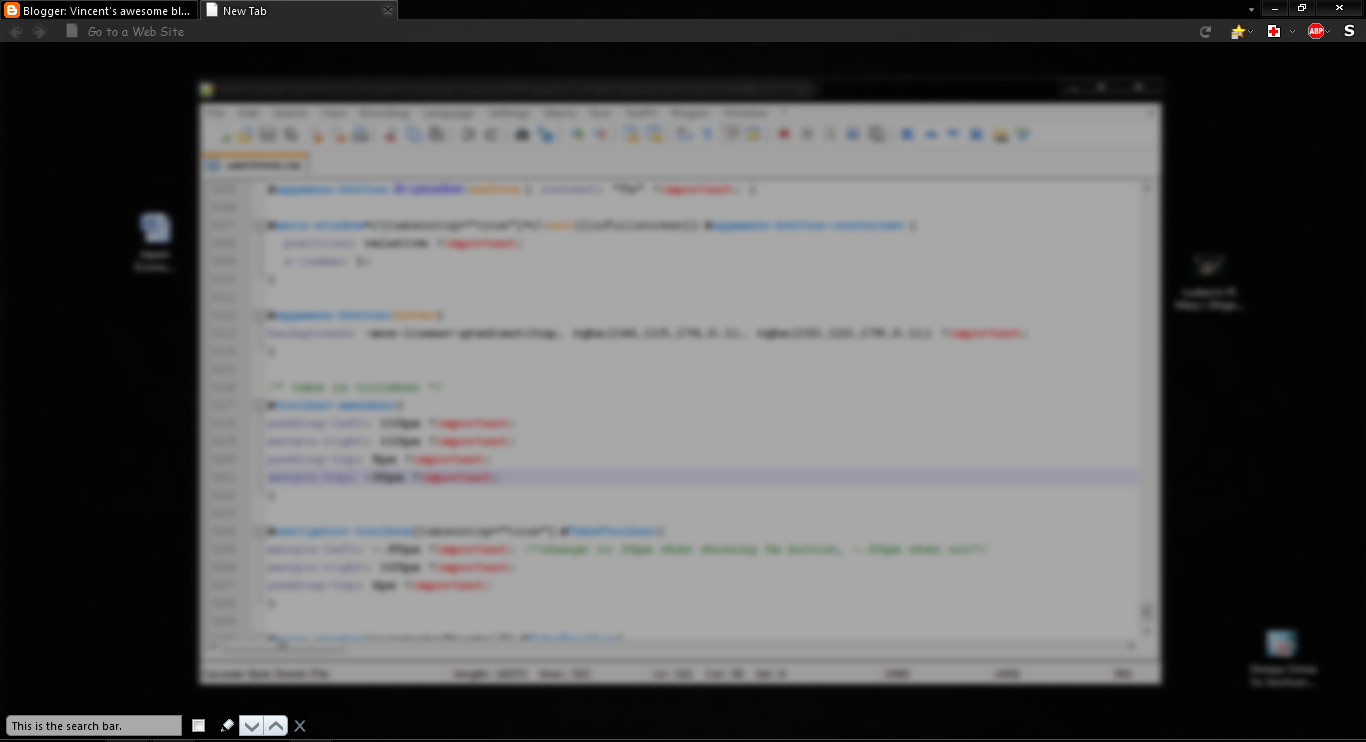
Don't like the way the user interface looks? There's a tweak for that. With the use of CSS (Cascading Style Sheets), every single thing dealing with the UI can be changed. Users can tweak the Firefox UI to suit their tastes and preferences perfectly. Google Chrome, on the other hand, has zero customization available with their UI except for the ability of hiding the bookmarks toolbar, which isn't even worth mentioning as every browser can do this.

My Firefox layout: the UI has been made more transparent; the navigation toolbar, tabs, new tabs page, find bar, and bookmarks sidebar (not in picture), etc. are all transparent. Borders around the toolbar buttons have been removed and the height of both the tabs bar and navigation toolbar have been slimmed down a bit.

In addition to the standard browser options that Firefox has, additional user preferences can be viewed and modified in Firefox's about:config page. In there you can change the a multitude of things dealing with the behavior of Firefox. Chrome, however, only offers some very basic user preferences to its users.

----this section is incomplete----
2) Firefox has better add-on support.

3) Firefox has better tab management.

4) Chrome vs. Firefox benchmark results.

5) More to come soon.
------------------------------------

Common arguments people have for why Chrome is better:
"It starts up faster!"
Yes, because 1 second start-up time makes such a big difference, right?

"It loads faster!"
Yeah, by a few milliseconds maybe.

"It has sandboxing!"
This is a pretty useful feature admittedly; even if a site crashes one of your tabs, all of your others will be safe. But then again, I have been using the Firefox 4 betas and nightly builds for the past few months and am using the official Firefox 4 release now and have only experienced maybe 2 crashes during that time interval. Even when it did crash, I was able to start it up right after and continue right where I left off thanks to its nice little saved session feature.

So in summary, I would say that Firefox is an overall better browser than Chrome. The only thing that Chrome has over Firefox is that it is maybe a bit faster.The difference in speed isn't even noticeable though.

If you are a casual internet surfer who wants something that is fast and simple to use and don't need all of the extra features and add-ons that Firefox can provide then Chrome is a decent option. But if you are looking for a little something more then I would recommend you go with Firefox.

So what do you think? Feel free to voice your opinion below.